
Lift Chair Not Working? A Golden and Pride Troubleshooting Guide for Western Massachusetts
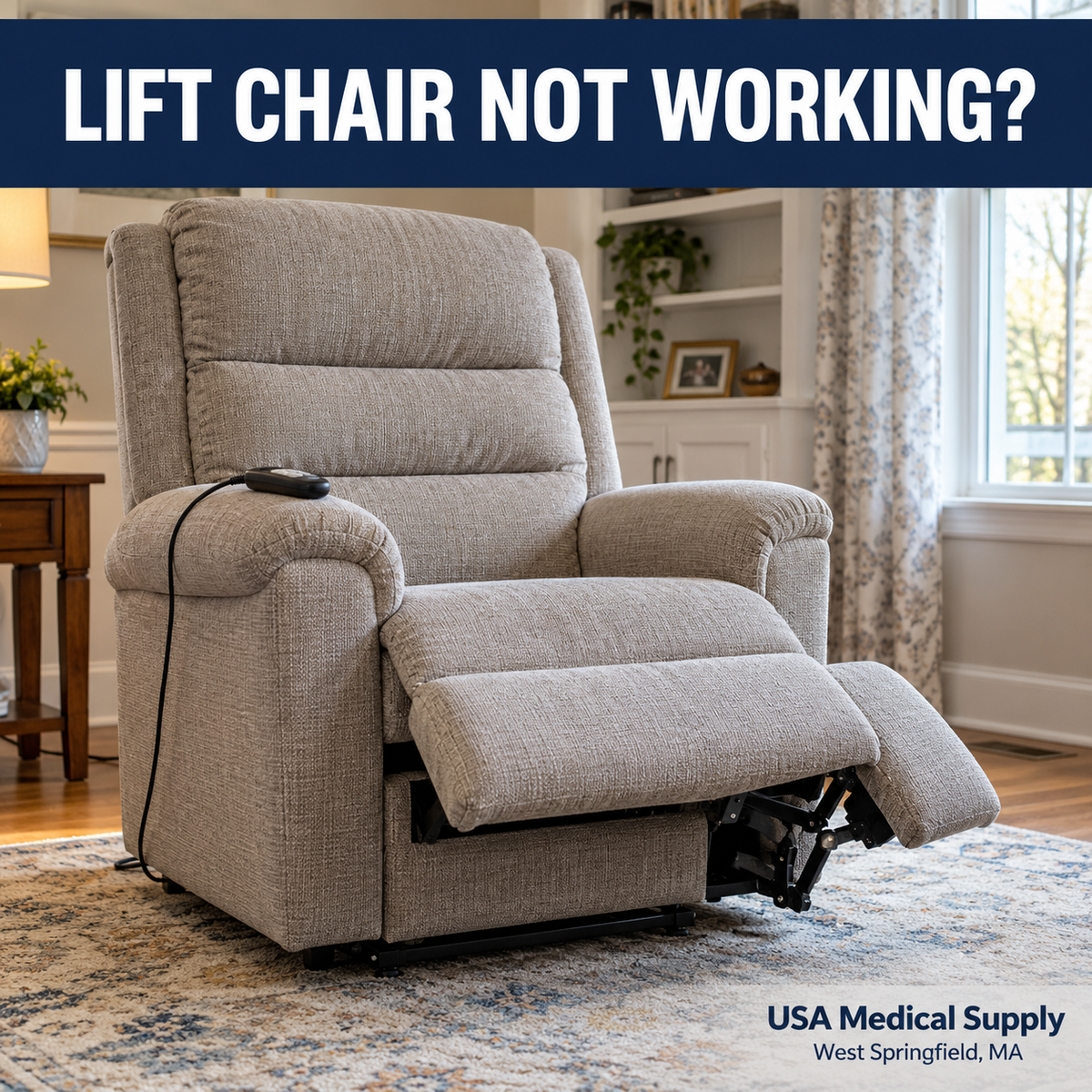
Lift Chair Not Working? A Golden and Pride Troubleshooting Guide for Western Massachusetts
You press the button on your lift-chair remote, expecting the familiar movement.
Nothing happens.
Perhaps the footrest stays extended. Maybe the back reclines but the chair will not lift. The hand control may still light up, leaving you wondering whether the remote, power supply, or motor is responsible.
For someone who depends on a lift chair to stand comfortably, this can disrupt an entire day.
The first step is to establish that the person using the chair is safe. The next step is to describe the problem clearly and check only the accessible items identified in the manufacturer’s instructions.
A chair that stops responding does not automatically need a new motor. It also should not be forced, tipped over with someone inside, or repeatedly operated when it is making unusual noises.
At USA Medical Supply in West Springfield, Massachusetts, we help customers explore Golden Technologies and Pride Mobility lift chairs and discuss equipment service needs.
This guide explains how to approach a malfunction without guessing at parts or attempting an unsafe repair.
1. Begin With the Person Sitting in the Chair
Before inspecting equipment, determine whether the person can safely remain seated and whether they need help transferring.
A chair that will not return from a reclined position may create a different problem for someone who can stand independently than for someone who relies heavily on the lift mechanism.
Do not ask the user to climb over an extended footrest. Do not pull them forward by the arms or use the remote cord as a handle.
If you cannot arrange a safe transfer, get appropriate assistance. If someone is injured, trapped, or experiencing a medical emergency, call emergency services.
Keep children, pets, and other people away from the mechanism while you assess the situation.
If the chair moves unexpectedly, release the button and stop using it. Disconnect power if that can be done safely.
Troubleshooting should make the situation more controlled. It should never require the user to remain in an unstable position while someone experiments with wiring or controls.
2. Know Which Checks Belong to the Owner
Golden and Pride provide model-specific operating and support resources. Those instructions should guide any owner-level checks.[1][2]
Reasonable checks may include confirming that the chair has power, examining visible cords for damage, and checking connections specifically identified as accessible in the manual.
Internal electrical testing, opening a transformer, bypassing a control, and working inside the lifting mechanism are different activities.
Do not treat an online video for a similar-looking chair as instructions for yours.
Two chairs with similar upholstery may use different controllers, power supplies, motors, and connection arrangements. Even chairs from the same manufacturer can differ.
Pride advises using authorized service for repairs, and Golden directs customers to their retailer or service resources.[3][4]
If you are unsure whether a step is intended for the owner, stop and ask.
A clear photograph and a model number can often resolve that uncertainty before anyone removes a cover or orders a part.
3. Identify the Exact Chair Before Ordering Anything
“Golden lift chair” or “Pride recliner” is a starting point, but it is not enough to identify every replacement component.
Find the model number, serial number, and any paperwork supplied with the chair.
Golden states that serial-number information is provided in locations that include the owner’s manual, lift frame, and hand-control wire.[4] Pride also emphasizes recording the chair’s serial number for service and parts identification.[5]
Do not reach into the mechanism to find a label. If the identifying information is not safely accessible, tell the service team.
Take a readable picture of the paperwork or label rather than relying on a handwritten number that may contain an incorrect character.
Also note approximately when and where the chair was purchased.
That information can help identify the correct product generation and begin a warranty review.
A replacement remote should be selected by confirmed compatibility, not simply because its buttons or connector look familiar.
4. Describe the Symptom Precisely
“Not working” can describe several different failures.
Before calling, determine which statement best matches the problem:
| Symptom | Information worth reporting |
|---|---|
| Nothing responds | Whether there are any lights or sounds |
| Remote lights up but the chair does not move | Which buttons were tried and whether anything clicks |
| Footrest moves but the back does not | Exactly which function still operates |
| Recline works but lift does not | Position of the chair and the unsuccessful command |
| Chair stops partway through movement | Whether it happens at the same point |
| Chair works intermittently | What happened before the interruption |
| Problem began after moving furniture | Whether accessible cords were pulled or compressed |
| Problem began after an outage or spill | Timing and any visible damage |
These observations do not diagnose the failed component.
They help the service team decide what information to request and whether the chair should remain out of use.
Avoid repeatedly cycling the chair just to produce a longer description. One clear account of what happened is more useful than additional wear or risk.
5. Check Whether the Outlet Has Power
A loss of electrical supply can resemble a chair failure.
If it is safe and you can do so without moving or lifting the chair, confirm that the wall connection is secure and that the outlet is supplying power.
A familiar, working lamp may help establish whether an ordinary accessible outlet is functioning. Do not perform this check around moisture, damaged plugs, scorch marks, or another electrical concern.
Some outlets are controlled by a wall switch. Consider whether a switch was turned off during cleaning or rearranging.
If a household breaker or protective outlet has tripped, follow normal household electrical precautions. Repeated tripping requires attention; do not keep resetting a circuit to make the chair run.
The electrical setup must also match the chair’s instructions. Pride advises connecting its chairs as specified rather than using an extension cord.[6]
If the issue appears to involve household wiring, contact an electrician. A furniture service visit cannot resolve every electrical-supply problem.
6. Look at the External Power Supply Without Opening It
Many lift-chair systems include an external transformer or power-supply assembly.
It may be located where it is easy to overlook during ordinary use.
Check its placement against the owner’s manual. Keep it uncovered and properly ventilated, and make sure it has not been pushed beneath moving parts or buried under blankets.
Pride specifically discusses keeping the external transformer ventilated and away from the area under the chair.[6]
Inspect visible cords without pulling, stretching, or repositioning the chair in a way that could cause an injury.
If the manual identifies a user-accessible connection, disconnect power before checking or reseating it as directed.
Do not open the power supply, probe the terminals, or substitute a generic adapter.
A power supply that appears physically similar may have different electrical requirements.
Stop using equipment with visible damage, melting, a burning smell, or other signs of an electrical fault. If there is smoke or fire, respond as an emergency.
7. Check the Hand Control Carefully
The hand control is used frequently and may be dropped, caught beside a cushion, or pulled when someone reaches for it.
Look for visible damage to the housing and accessible cord. Notice whether a button appears stuck or whether the cable has been pinched.
Do not spray cleaner into the buttons or attempt to pry the controller apart.
Some chairs have control features, locks, or operating sequences that are specific to the model. Review the exact hand-control guide before assuming a function has failed.
If a controller indicator flashes or displays information, photograph it and record what happened immediately beforehand.
Do not use a generic “reset” sequence found online unless it matches the manufacturer’s instructions for your exact chair.
Avoid pulling the chair toward you by the remote cord. That can put strain on connections even when the cord itself looks intact.
A remote problem deserves proper identification before a replacement is purchased.
8. Understand Why a Light Does Not Prove Everything Is Working
A glowing remote or indicator can be useful information, but it does not establish that the entire chair is functioning normally.
Different products use indicators for different purposes.
An illuminated button might show that part of a system is receiving power without confirming that every command, connection, or moving component is operating correctly.
Likewise, a light that is off may have more than one possible explanation.
Tell the service team exactly where the light is located, its color, whether it is steady or flashing, and whether that behavior is new.
If you can safely photograph it, do so.
Avoid treating a light as proof that a motor needs replacement or that the power supply must be good.
Diagnosis depends on the specific design and the complete symptom pattern.
The most useful description combines the indicator information with what the chair does—or does not do—when a normal command is attempted.
9. When One Function Works and Another Does Not
A chair may recline correctly while an adjustable headrest remains still. Another may move the footrest but fail to lift.
Golden and Pride offer models with different positioning arrangements and optional features. Not every chair moves its sections in the same way.[4][7]
Start by confirming the normal operation shown in the manual.
If a function that previously worked has stopped, record which one failed and whether the remaining functions behave normally.
Do not conclude that the working function makes the chair safe for continued everyday use. A loss of lift assistance can be significant for someone who depends on it to stand.
Also, do not force a backrest or footrest into position.
Movement in one part of the system does not identify the failed component in another.
Provide the service team with the exact model and a concise description. That allows the next step to be based on the actual design rather than a general assumption about power recliners.
10. If the Chair Is Stuck in a Reclined Position
A chair stopped with the footrest raised can create an immediate transfer problem.
Keep the user supported and avoid climbing, rocking, or pushing against the footrest.
Do not disconnect mechanical parts to make it collapse or return to an upright position.
Review the exact instructions for any manufacturer-provided backup function. Use it only if the system is present, appropriate for the situation, and understood.
If no safe owner-level option is available, contact the service provider and explain that the chair is occupied or that the user cannot transfer safely.
That detail matters when discussing the urgency of the situation.
If the person has already transferred out, keep others from using the chair until the problem has been addressed.
Leave the mechanism alone. A chair can contain pinch points and components under load even when normal powered movement has stopped.
11. Know What Your Backup System Actually Does
Backup arrangements vary by model.
Do not assume every lift chair has a backup system, that every system uses the same batteries, or that a backup can support ordinary use for an extended period.
Check the current owner’s manual for the exact system installed on your chair.
Ask practical questions before an outage occurs:
-
Is backup operation included on this model?
-
What functions are available?
-
What preparation or charging is required?
-
What inspection or replacement schedule applies?
-
What should the user do when power fails?
-
Who can help if the backup does not operate?
A backup plan should account for the person using the chair.
Someone who lives alone and cannot stand without lift assistance has different support needs from someone who can transfer independently.
Do not improvise with an unrelated battery pack, adapter, or charger.
Discuss an appropriate setup with the provider while normal power is available and the chair is working.
12. Check the Surrounding Space
A chair needs adequate space for the movements specified by its manufacturer.
Furniture, walls, blankets, dropped objects, and cords can interfere with that space.
A chair that was properly positioned at delivery may gradually be pushed closer to a wall or side table.
Look around the chair before operating it. Keep children and pets away, and make sure loose items have not entered the movement area.
Never reach beneath a powered or potentially moving chair to retrieve something.
If an object is caught where it cannot be removed safely, stop and request assistance. Do not operate the chair to crush, shake loose, or push through the obstruction.
Pride’s caregiver guidance specifically emphasizes keeping the space under and around the chair clear and keeping hands and feet away from the lifting mechanism.[6]
Checking room arrangement is useful; putting your body inside the mechanism is not an owner-level troubleshooting step.
13. Take Intermittent Problems Seriously
An intermittent fault can be frustrating because the chair may work normally when you call for help.
Keep a brief record.
Note when the failure occurred, what command was being used, the chair’s position, and whether anything had changed nearby.
Useful details include whether the chair was recently moved, whether a cord was caught, or whether the problem followed a power interruption.
Do not repeatedly bend or wiggle a cable while the chair is powered to see whether movement returns.
If the chair operates unexpectedly, stops unpredictably, or has visible electrical damage, stop using it and request service.
A temporary return to normal operation does not establish that the underlying problem has been resolved.
If safe to obtain without recreating the fault, a short video may help a technician understand an unusual sound or control response.
Protect the user’s safety and privacy when recording.
14. Respond Promptly to Spills and New Noises
A liquid spill near electrical controls deserves attention even if the upholstery looks dry.
Stop using the chair and disconnect power if it is safe to do so. Ask the provider what inspection is needed before reconnecting it.
Do not assume surface drying makes a wet controller or power supply safe.
Likewise, a new grinding sound, sharp click, uneven movement, or visible change in the frame should be reported.
A familiar motor sound and a new abnormal noise are different observations. Describe what changed and when.
Do not attempt to quiet an unfamiliar noise by spraying lubricant into the mechanism. The correct response depends on the exact assembly and manufacturer guidance.
If the chair has been dropped, tipped, overloaded, or damaged during a move, explain that history when requesting service.
Accurate information helps the technician evaluate the situation without unnecessary guessing.
15. Prepare for a Productive Service Call
Gathering information before calling can make the conversation more useful.
Have these details available:
-
Manufacturer, model, and serial number.
-
Approximate purchase date and original seller.
-
Description of the failed function.
-
Whether someone is currently unable to transfer safely.
-
Any indicator-light behavior.
-
Whether the problem followed an outage, move, or spill.
-
Photographs of safely accessible labels or damaged components.
-
Your service address and contact information.
Ask which initial checks are appropriate for your exact model.
Also ask about appointment availability, diagnostic charges, travel charges, parts ordering, and the approval process for additional work.
Do not assume a brief telephone conversation can confirm every required part.
Some problems require an in-person assessment or model-specific testing.
A well-prepared call gives the provider a clearer starting point and helps you understand what will happen next.
16. Understand Warranty Coverage Before Approving Work
A manufacturer’s warranty may provide different coverage for different components and time periods.
Parts coverage, labor coverage, travel, and diagnostic services should not be assumed to be identical.
Golden directs customers to provide their serial number when discussing repairs and warranty questions.[4] Pride likewise explains that coverage depends on the product and applicable written warranty.[3]
Ask the provider to review the relevant terms for your chair.
Keep your proof of purchase, service records, and any written approvals together.
If a part is covered, ask what other charges may still apply. If it is not covered, request a clear explanation and estimate before authorizing work.
Do not assume a “lifetime” reference applies to every electronic component or every service expense.
The written warranty and the circumstances of the repair determine what can be considered for coverage.
17. Decide Whether Repair or Replacement Makes Sense
A malfunction does not automatically mean the chair should be replaced.
The decision depends on the actual fault, repair cost, parts availability, overall condition, and whether the chair still suits its user.
Consider whether the chair fits comfortably, provides the needed functions, and supports the person’s current transfer routine.
A repair may restore a well-suited chair to useful service. In another situation, substantial wear or changed needs may justify comparing replacement options.
Ask for a clear diagnosis and estimate before deciding.
If replacement is appropriate, use the opportunity to reassess fit, controls, room clearance, and support needs.
You can explore our Golden lift-chair collection and Pride lift-chair collection, then contact our team to discuss current options.
The best choice begins with the person who will use the equipment.
Frequently Asked Questions
Why did my lift chair suddenly stop working?
Possible explanations include a loss of power, a connection problem, a control issue, or an internal fault. The symptom alone does not identify the component. Begin with safety and the owner-level checks in the exact manual.
Does a lit remote mean the motor is bad?
No. An indicator does not establish that the rest of the system is functioning correctly. Report the light’s location and behavior along with which functions have stopped.
Can I buy a universal replacement remote?
Do not assume a remote is compatible because it looks similar or has the same number of buttons. Confirm the correct component using the manufacturer, model, serial number, and provider’s guidance.
Should I keep pressing the button if the chair is stuck?
Repeated commands are not a diagnostic method. Stop if the chair behaves abnormally, makes a new noise, or cannot complete its usual movement. Request guidance rather than forcing the mechanism.
Can I manually push the footrest closed?
Do not force it. Follow only a manufacturer-approved procedure for the exact chair. If none is provided, contact the service team.
Does every Golden or Pride chair have battery backup?
No universal assumption is appropriate. Backup features, battery arrangements, and available functions vary. Check the exact model’s documentation.
Can I use an extension cord?
Follow the manufacturer’s electrical instructions. Pride advises plugging the chair into the specified outlet rather than an extension cord. Ask your provider if the room layout creates a connection problem.
Can I use the chair if the remote cord is damaged?
Stop using equipment with damaged electrical components and contact the provider. Do not tape over exposed wiring, splice the cord, or substitute an unverified part.
Should I turn the chair upside down to inspect it?
Do not attempt that as routine troubleshooting. Lift chairs are heavy and contain moving assemblies. Ask the provider how to obtain identifying information safely.
Will warranty cover the service call?
That depends on the written warranty and service arrangement. Ask separately about parts, labor, travel, and diagnostic charges before approving work.
What should I do if the chair starts working again?
Report intermittent failures, especially unexpected movement or visible damage. A temporary return to operation does not prove that a fault has been corrected.
What information should I text before requesting service?
Start with the model and serial number, the failed function, your contact information, and clear photographs of safely accessible labels. Explain immediately if the user cannot transfer safely.
Contact USA Medical Supply About Your Lift Chair
If your Golden or Pride lift chair is not working, contact USA Medical Supply with the equipment details and a clear description of the problem.
Our service team can discuss the next step, applicable service availability, and information needed to evaluate your request.
USA Medical Supply, Inc.
1779 Riverdale Street
West Springfield, MA 01089
Call: 413-733-7843
Text: 413-200-4191
Service Manager: Andrei Cojocaru, extension 110
Service Email: service@usamedicalsupply.com
Website: https://usamedicalsupply.com
We serve customers throughout Western Massachusetts and Northern Connecticut. Contact us to discuss your location and equipment.
This guide covers general observations and basic owner-level checks. Follow the current instructions for your exact chair and use qualified service for repairs. The pictured chair is illustrative and does not identify a particular Golden or Pride model.
Bibliography and Further Reading
Sources reviewed October 30, 2026.
-
Golden Technologies. Owner’s Manuals. Access to model-specific lift-recliner instructions and quick-start resources.
https://goldentech.com/owners-manuals/ -
Pride Mobility. Resources and Support. Product documentation, owner’s manuals, operating information, and support resources.
https://www.pridemobility.com/resources-and-support/ -
Pride Mobility. Product Warranty and Service Options. January 3, 2024. Product-specific warranties and requesting authorized service.
https://experience.pridemobility.com/resources/product-warranty-and-service-options/ -
Golden Technologies. Frequently Asked Questions. Serial-number locations, replacement parts, warranty inquiries, and model-dependent features.
https://goldentech.com/support/faqs/ -
Pride Mobility. How to Get the Most Out of Your Lift Chair. December 28, 2022. Owner’s manuals, equipment care, and recording serial numbers.
https://experience.pridemobility.com/lift-chair-recliners/how-to-get-the-most-out-of-your-lift-chair/ -
Pride Mobility. Lift Chairs: A Guide for Caregivers. September 22, 2026. Safe operation, clearances, electrical precautions, and basic troubleshooting considerations.
https://experience.pridemobility.com/lift-chair-recliners/lift-chairs-a-guide-for-caregivers/ -
Pride Mobility. Power Lift Recliner Models. Current model families and feature differences.
https://www.pridemobility.com/pride-power-lift-recliners/models.asp -
Golden Technologies. Product Support. Manufacturer support and service resources.
https://goldentech.com/support/ -
USA Medical Supply. Golden vs. Pride Lift Chairs: Sizing & Buying Guide. Related guidance for evaluating fit and replacement needs.
https://usamedicalsupply.com/blogs/new/golden-vs-pride-lift-chairs-2026-sizing-buying-guide